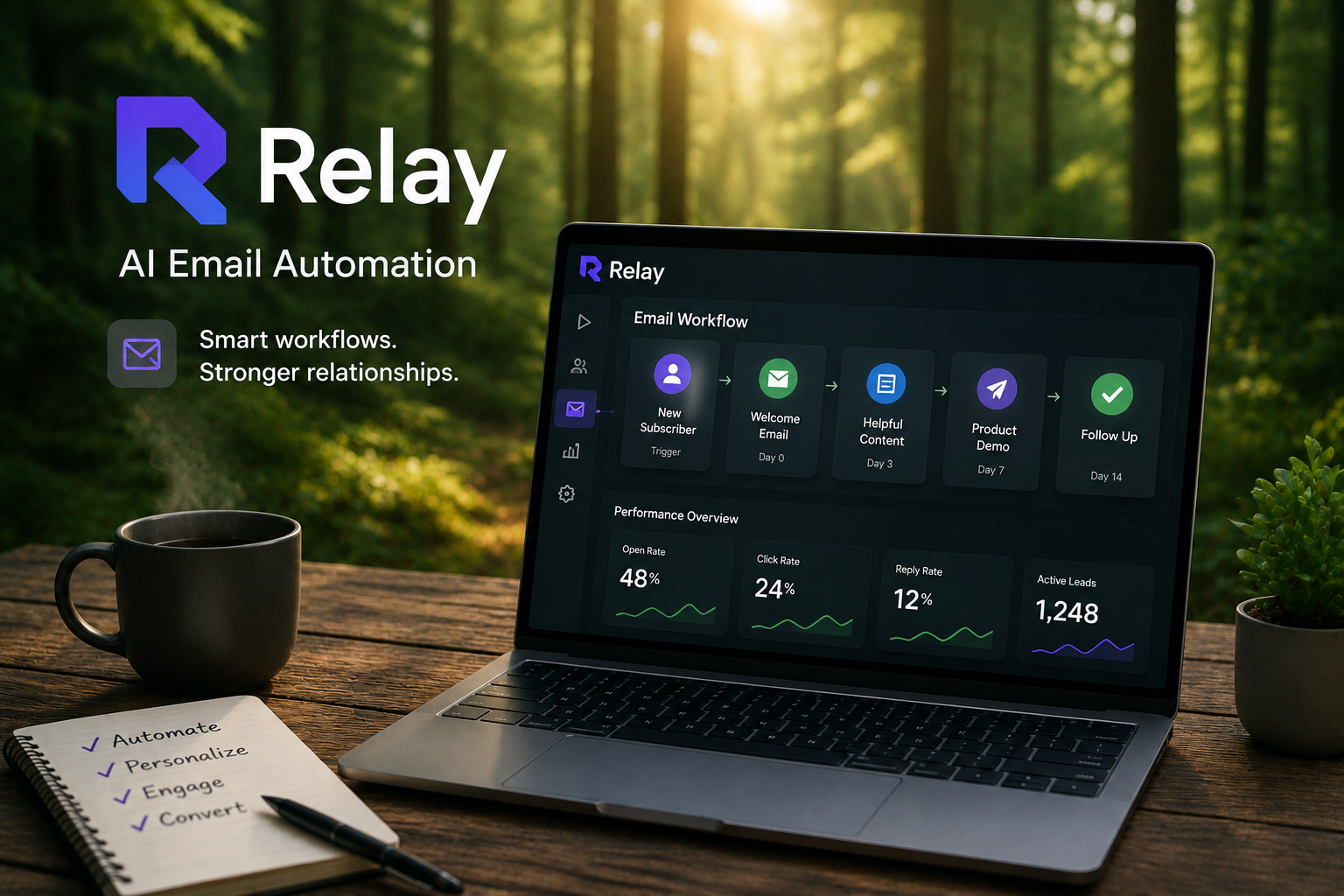
Following up with leads manually sounds manageable at first.
You send a welcome email.
A few days later, you send another message.
Then a reminder.
Then maybe a product demo invitation.
But as your contact list grows, keeping track of every conversation becomes almost impossible.
That's where Relay AI can help.
Instead of manually managing every email, Relay allows you to build automated workflows that react to user behavior and send the right message at the right time.
In this guide, you'll learn how to create a simple email automation workflow using Relay AI.
What Is Relay AI?
Relay is an AI-powered workflow automation platform designed to help businesses automate repetitive communication tasks.
Many teams use Relay for:
- email automation
- customer onboarding
- lead nurturing
- CRM workflows
- customer follow-ups
- team productivity automation
Rather than sending the same emails manually, Relay lets AI agents monitor user activity and trigger actions automatically.
Why Automate Email Follow-Ups?
Most leads don't convert after the first email.
People get busy.
They forget.
They postpone decisions.
That's why follow-ups matter.
The problem is that manually tracking every prospect quickly becomes overwhelming.
Email automation helps by:
- saving time
- increasing consistency
- reducing missed opportunities
- improving lead nurturing
- delivering messages at the right moment
The result is a more reliable sales and onboarding process.
Step 1: Map Your Customer Journey
Before building anything inside Relay, think about the experience you want your contacts to have.
For example:
A new user signs up for your product.
What happens next?
A simple sequence could look like:
Day 0:
Welcome email
Day 3:
Getting started guide
Day 7:
Product tips
Day 14:
Demo invitation
Day 21:
Special offer or consultation
Creating this roadmap first makes automation much easier later.
Step 2: Create Your First Trigger
Every automation starts with a trigger.
A trigger is the event that starts the workflow.
Examples include:
- new user registration
- form submission
- free trial signup
- content download
- purchase completion
Inside Relay, AI agents monitor these events automatically.
When the trigger occurs, the workflow begins.
Step 3: Build Your Email Sequence
Once the trigger is configured, create the follow-up emails.
A simple onboarding sequence might include:
Welcome Email
Sent immediately after signup.
Goal:
Introduce your product and set expectations.
Educational Email
Sent a few days later.
Goal:
Help users understand key features.
Engagement Email
Sent after one week.
Goal:
Encourage deeper product usage.
Conversion Email
Sent later in the sequence.
Goal:
Request a demo, consultation, or upgrade.
Each email should have a clear purpose.
Avoid sending messages simply because the workflow allows it.
Step 4: Add Personalization
Automated emails should still feel personal.
Relay allows you to insert user information dynamically.
Examples include:
- first name
- company name
- industry
- signup date
- recent activity
Instead of:
"Hello customer"
You can send:
"Hi Sarah, thanks for starting your trial."
Small details like this often improve engagement significantly.
Step 5: Use Behavior-Based Logic
This is where Relay becomes more powerful than basic email scheduling tools.
Instead of sending every email to everyone, Relay can react to user behavior.
For example:
If a user opens an email:
Send advanced content.
If a user ignores the email:
Send a reminder.
If a user requests a demo:
Pause the onboarding sequence.
These conditional paths create a much better customer experience.
Step 6: Optimize Email Timing
Timing plays a huge role in email performance.
Sending too many emails creates fatigue.
Sending too few reduces engagement.
A common beginner workflow looks like:
Day 0:
Welcome
Day 3:
Educational content
Day 7:
Case study
Day 14:
Conversion offer
This schedule gives users enough time to absorb information without feeling overwhelmed.
Common Relay Automation Mistakes
Many beginners make similar mistakes.
Too Many Triggers
Multiple triggers can accidentally send duplicate emails.
Keep workflows simple.
No Testing
Always test your sequence before launching it.
Verify:
- personalization fields
- email timing
- conditional logic
- links
Over-Automation
Not every customer interaction should be automated.
Complex conversations often require human involvement.
Poor Segmentation
Sending identical emails to every contact usually reduces engagement.
Segment your audience whenever possible.
Track and Improve Performance
Email automation isn't something you build once and forget.
Review performance regularly.
Look at:
- open rates
- click rates
- replies
- conversions
- unsubscribe rates
If engagement drops at a specific email, update the content or timing.
Small improvements can have a significant impact over time.
Integrating Relay with Other Tools
Relay becomes even more useful when connected to your existing systems.
Popular integrations include:
- CRMs
- contact forms
- customer databases
- onboarding platforms
- marketing tools
This allows AI agents to react to real-time customer data and keep workflows updated automatically.
Final Thoughts
Relay AI makes email automation accessible without requiring complicated coding or enterprise software.
The real advantage isn't simply sending emails automatically.
It's creating personalized, behavior-driven experiences that scale as your business grows.
When used thoughtfully, Relay helps businesses:
- nurture leads more effectively
- improve onboarding experiences
- save time
- increase engagement
- automate repetitive communication
The best email workflows don't feel automated.
They feel timely, helpful, and relevant.
That's exactly where Relay AI delivers the most value.