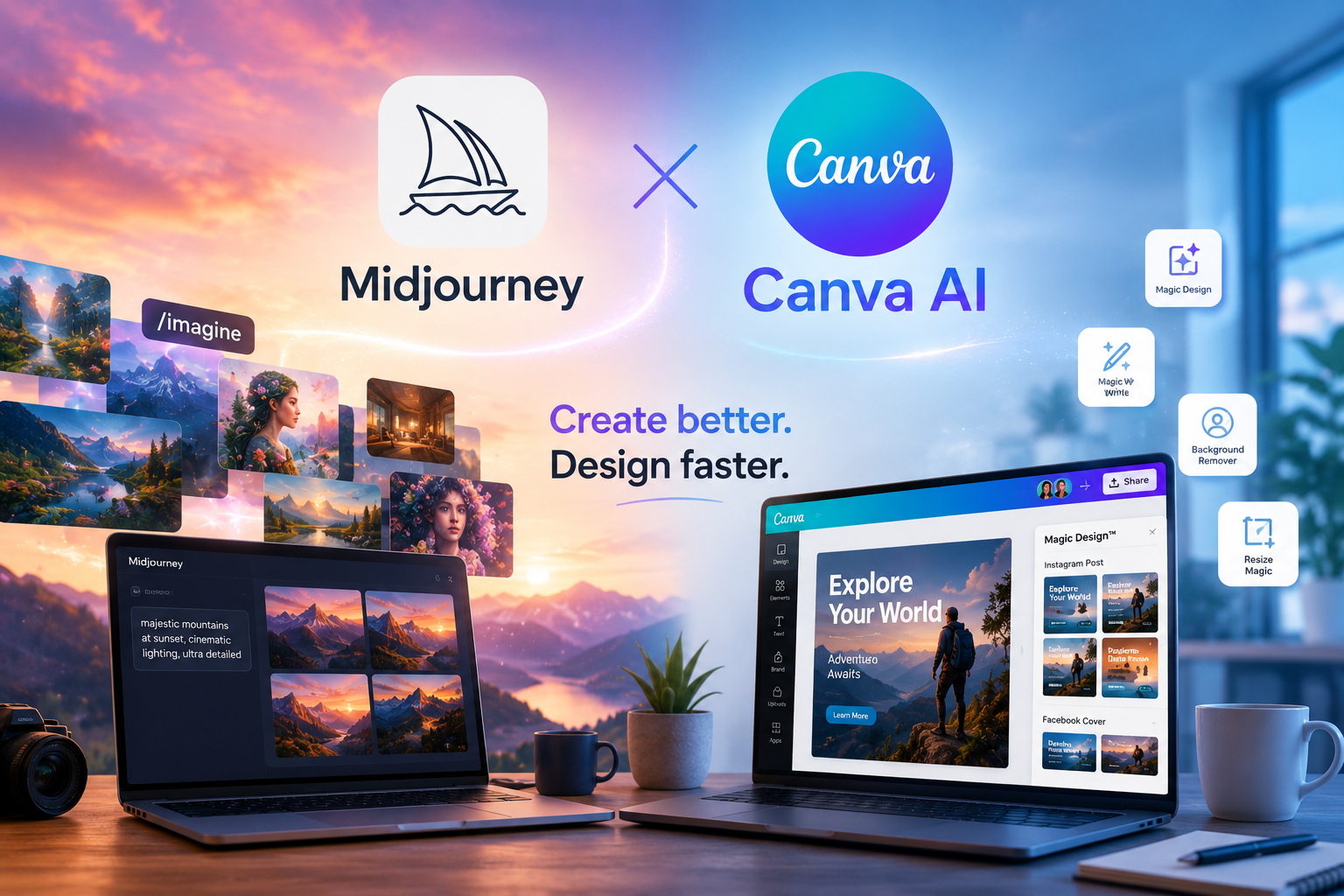
Creating professional visuals used to require expensive software, years of design experience, or hiring freelancers.
That’s no longer true.
In 2026, AI-powered design tools are completely changing how people create:
- social media graphics
- blog visuals
- YouTube thumbnails
- branding assets
- presentations
- ad creatives
- product mockups
- marketing content
And two tools dominate the conversation:
- Canva AI
- Midjourney
One focuses on simplicity and fast content creation.
The other focuses on artistic quality and cinematic visuals.
Together, they represent a major shift in creative work.
Today, a solo creator can produce visuals that previously required an entire creative team.
This guide explains:
- how Canva AI and Midjourney work
- their strengths and weaknesses
- which tool is best for beginners
- how content creators use them
- how businesses save time and money
- how to create better AI-generated visuals
- realistic workflows that actually work
Whether you’re a freelancer, marketer, small business owner, or complete beginner, this guide will help you understand how AI design tools are reshaping visual content creation.
Why AI Design Tools Became So Popular
The internet has become extremely visual.
Every platform now rewards attention-grabbing content:
- TikTok
- YouTube
- blogs
- online stores
The problem?
Creating visuals consistently takes time.
Traditional design workflows involve:
- planning
- sketching
- editing
- resizing
- exporting
- revisions
For many people, that process becomes exhausting.
AI tools reduce those bottlenecks dramatically.
Instead of spending hours designing from scratch, creators can now:
- generate concepts instantly
- create variations quickly
- resize content automatically
- build visuals without advanced skills
- test multiple creative directions faster
That speed is the reason AI design tools exploded in popularity.
What Is Canva AI?
Canva AI is the AI-powered expansion of Canva’s already massive design platform.
It combines:
- drag-and-drop editing
- templates
- AI image generation
- AI writing tools
- automatic resizing
- presentation tools
- branding systems
The biggest advantage of Canva AI is accessibility.
You do not need professional design experience.
Even beginners can create:
- Instagram posts
- Pinterest pins
- presentations
- YouTube thumbnails
- business flyers
- menus
- ebooks
- digital products
within minutes.
This simplicity is why Canva became one of the most widely used creative platforms in the world.
What Is Midjourney?
Midjourney is an AI image generation platform focused on artistic and cinematic image creation.
Unlike Canva AI, Midjourney is less about editing layouts and more about generating highly detailed visuals from prompts.
Users type descriptions like:
“cinematic coffee shop interior, rainy Tokyo street, soft warm lighting, realistic photography”
and Midjourney generates unique images.
The platform became famous because of its:
- artistic quality
- cinematic realism
- strong lighting generation
- creative compositions
- stylized aesthetics
In 2026, Midjourney is heavily used for:
- branding concepts
- fantasy art
- product visualization
- cinematic scenes
- social media content
- fashion inspiration
- storytelling visuals
- moodboards
It is especially popular among creators who want visuals that feel premium and unique.
Canva AI vs Midjourney: What’s the Difference?
Although both are AI design tools, they solve different problems.
Canva AI focuses on:
- speed
- templates
- editing
- publishing
- marketing workflows
- usability
Midjourney focuses on:
- artistic quality
- image generation
- visual storytelling
- realism
- aesthetics
- concept art
A simple way to think about it:
- Canva AI helps you build finished content quickly
- Midjourney helps you create visually striking artwork and concepts
Many creators actually use both together.
For example:
- generate a stunning image in Midjourney
- import it into Canva
- add text, branding, buttons, layouts, and formatting
- export for Instagram, YouTube, or blogs
That workflow is extremely common now.
Why Content Creators Love Canva AI
Canva AI solves one of the biggest problems creators face:
Speed.
Modern content creators need massive amounts of visual content.
Examples include:
- Instagram carousels
- YouTube thumbnails
- blog covers
- Pinterest graphics
- TikTok covers
- ad creatives
- lead magnets
- newsletters
Doing all of that manually becomes overwhelming.
Canva AI simplifies the process with:
- templates
- automatic resizing
- AI writing
- background removal
- drag-and-drop editing
- brand kits
This means creators can produce more content consistently without needing a full-time designer.
Why Designers and Artists Love Midjourney
Midjourney appeals to a different audience.
It is less about speed and more about visual impact.
The tool is known for creating images that feel:
- cinematic
- atmospheric
- artistic
- emotional
- detailed
- highly stylized
This makes it popular for:
- concept artists
- storytellers
- fashion creators
- creative agencies
- filmmakers
- branding designers
One strong Midjourney image can completely change the feeling of a project.
That emotional quality is what separates it from simpler AI image generators.
The Best Use Cases for Canva AI
Canva AI works especially well for practical content creation.
Social Media Graphics
Instagram posts, reels covers, story graphics, and Pinterest pins can be created extremely quickly.
Templates make content production much faster.
Presentations
Canva AI helps users create professional-looking presentations without spending hours designing slides manually.
This is especially useful for:
- startups
- students
- agencies
- consultants
Marketing Materials
Businesses use Canva AI for:
- flyers
- posters
- menus
- ad creatives
- email banners
- business cards
Small businesses especially benefit because they can create visuals internally instead of outsourcing everything.
YouTube Thumbnails
YouTube creators use Canva heavily because thumbnails directly affect click-through rate.
AI-generated thumbnail ideas and layouts help speed up experimentation.
The Best Use Cases for Midjourney
Midjourney performs best when visual uniqueness matters.
Cinematic Visuals
Midjourney excels at:
- dramatic lighting
- cinematic framing
- atmospheric environments
- realistic photography styles
This makes it ideal for storytelling content.
Branding Inspiration
Designers often use Midjourney to explore:
- color palettes
- moodboards
- visual identities
- product concepts
- packaging styles
It accelerates creative brainstorming dramatically.
Concept Art
Gaming studios, filmmakers, and creative agencies use Midjourney for fast concept generation.
Instead of sketching ideas manually for days, creators can generate visual directions instantly.
Editorial Content
Many blogs and digital magazines now use Midjourney-generated cover images because they feel more unique than generic stock photography.
How to Write Better AI Image Prompts
Prompt writing matters heavily.
The quality of the result depends on the clarity of the instruction.
Strong prompts usually include:
- subject
- lighting
- environment
- camera style
- mood
- colors
- realism level
Example:
“modern Scandinavian coffee shop interior, warm natural sunlight, realistic photography, soft shadows, cinematic composition, beige and green tones”
That is far stronger than simply typing:
“coffee shop”
The more descriptive and intentional the prompt, the better the image quality becomes.
Common AI Design Mistakes Beginners Make
Many beginners assume AI automatically creates perfect visuals.
That is not how it works.
Here are the most common mistakes.
Using Vague Prompts
Weak prompts create weak images.
Specificity matters.
Overloading Designs
Just because AI can generate many elements does not mean every design needs them.
Minimalism often performs better.
Ignoring Branding Consistency
Many creators produce visuals with completely different styles every time.
Strong brands maintain consistency in:
- colors
- typography
- layouts
- visual tone
Copying Trends Blindly
AI makes copying easier.
But long-term growth usually comes from developing a recognizable style.
SEO Benefits of AI Visual Content
Visual content also improves SEO performance.
Good visuals can increase:
- time on page
- engagement
- shares
- click-through rates
- Pinterest traffic
- image search visibility
Blogs with strong visuals often feel more trustworthy and easier to read.
That matters heavily in competitive niches.
Can AI Replace Designers?
This question appears constantly.
The realistic answer is:
No — but it changes the role of designers dramatically.
AI handles:
- repetitive production
- fast mockups
- idea generation
- resizing
- early-stage concepts
Human designers still provide:
- strategy
- taste
- storytelling
- branding decisions
- emotional understanding
- creative direction
The strongest creatives in 2026 are usually the ones combining AI efficiency with human judgment.
How Businesses Are Using AI Design Tools
Businesses are adopting AI design tools extremely quickly because they reduce production costs.
Instead of outsourcing every small design request, teams now generate visuals internally.
Common business use cases include:
- ad creatives
- product launches
- email campaigns
- social content
- presentations
- ecommerce banners
- event graphics
AI dramatically increases content production speed.
That matters because modern marketing requires constant visual output.
AI Design Workflows That Actually Work
The best workflows are usually simple.
Here’s a realistic creator workflow:
Step 1: Generate Concepts in Midjourney
Use Midjourney to create:
- visual ideas
- backgrounds
- cinematic scenes
- artistic concepts
Step 2: Import into Canva AI
Add:
- branding
- layouts
- text
- call-to-actions
- formatting
Step 3: Resize for Platforms
Canva AI quickly adapts visuals for:
- TikTok
- YouTube
- blogs
- ads
Step 4: Publish Consistently
Consistency matters more than perfection.
Most successful creators publish frequently and improve gradually.
The Future of AI Design
AI-generated visuals will continue improving rapidly.
But an important shift is happening:
Taste is becoming more valuable.
When everyone can generate images instantly, the advantage becomes:
- creative direction
- originality
- storytelling
- emotional impact
- brand identity
The people who understand aesthetics and audience psychology will stand out the most.
AI does not remove creativity.
It amplifies it.
Final Thoughts
Canva AI and Midjourney represent two different sides of modern visual creation.
Canva AI helps creators produce practical content quickly and efficiently.
Midjourney helps creators generate visually striking and emotionally engaging imagery.
Together, they form one of the most powerful creative combinations available in 2026.
For beginners, the opportunity has never been larger.
You no longer need:
- expensive software
- years of training
- large creative teams
to create professional-looking visuals.
What matters now is:
- consistency
- creativity
- strategy
- storytelling
- understanding your audience
The creators who combine those skills with AI tools are building brands and content systems faster than ever before.