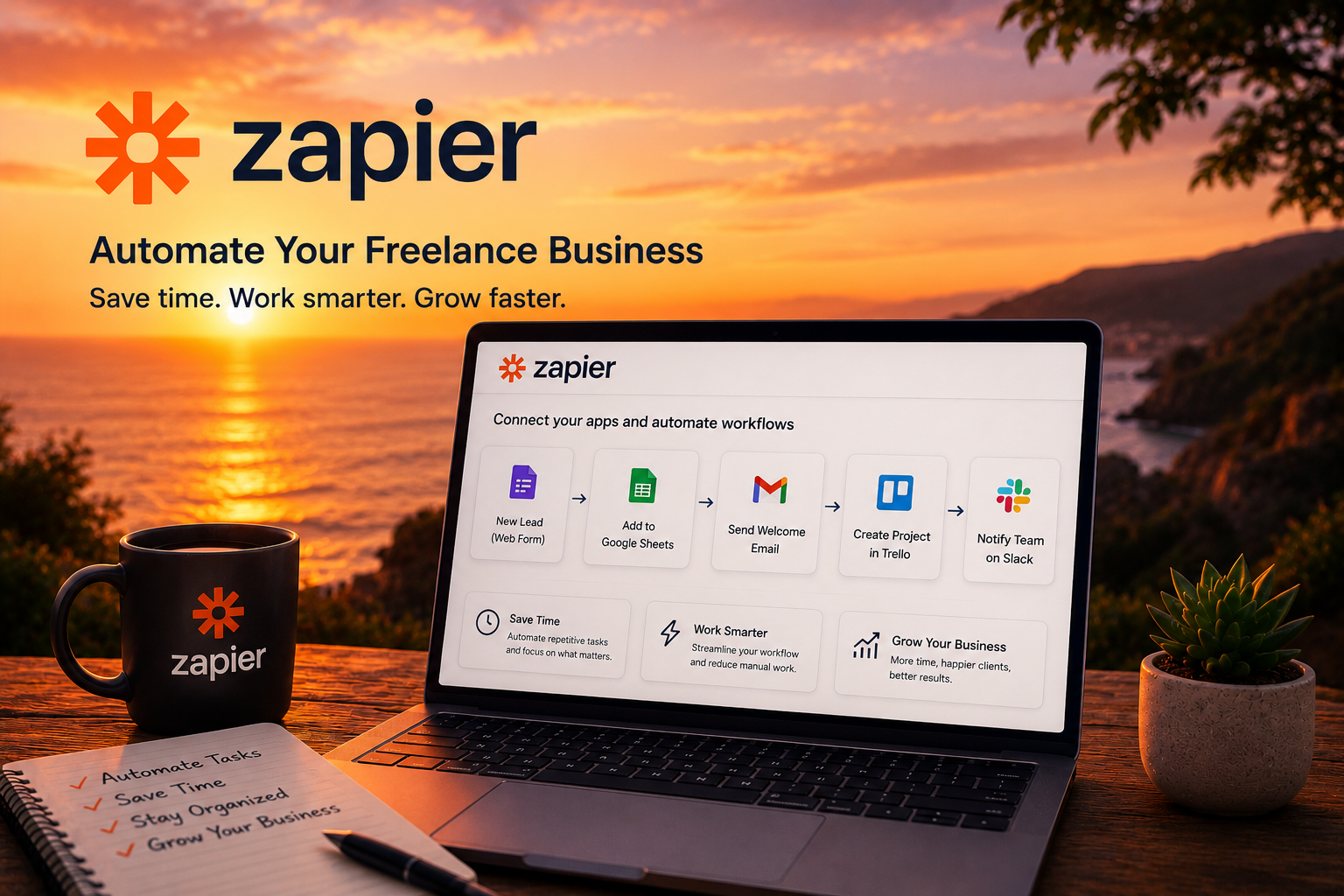
Running a freelance business means wearing multiple hats.
You're not just delivering client work.
You're also managing emails, tracking projects, organizing leads, following up with prospects, sending invoices, and handling dozens of small administrative tasks every week.
The problem?
Most of these tasks don't directly generate revenue.
They simply consume time.
That's where Zapier AI can help.
Instead of manually moving information between apps and repeating the same processes every day, Zapier allows you to automate routine tasks with no coding required.
In this guide, you'll learn how freelancers can use Zapier AI to save time, reduce repetitive work, and create more efficient business systems.
What Is Zapier AI?
Zapier is a no-code automation platform that connects your favorite apps and allows them to work together automatically.
A workflow inside Zapier is called a Zap.
Every Zap follows a simple structure:
Trigger → Action
For example:
A new client submits a contact form.
Zapier automatically adds their information to Google Sheets and sends a welcome email.
No manual work required.
This simple concept can eliminate hours of repetitive tasks every week.
Why Freelancers Should Care About Automation
Many freelancers spend too much time managing their business and not enough time doing the work they actually get paid for.
Common time-consuming tasks include:
- copying client information
- sending follow-up emails
- updating spreadsheets
- scheduling meetings
- organizing project information
- tracking invoices
Individually these tasks seem small.
Together they create hours of administrative work every week.
Automation helps remove those bottlenecks.
Step 1: Identify Your Biggest Time Wasters
Before creating any automation, identify which tasks you repeat most often.
Ask yourself:
- What task do I perform every day?
- Which process feels repetitive?
- What work requires little decision-making?
The best automation candidates are predictable and repetitive.
For example:
A web designer might spend time manually adding client inquiries to a spreadsheet.
A marketing consultant might repeatedly send onboarding emails.
A content writer might manually organize article requests.
These are all excellent automation opportunities.
Step 2: Start Small
One of the biggest mistakes beginners make is trying to automate everything at once.
Start with a single workflow.
A simple example:
Client Inquiry Automation
Trigger:
New form submission
Actions:
- Add contact to Google Sheets
- Send confirmation email
- Create task in project management software
This workflow may only save a few minutes per lead.
But over time, those minutes add up.
Step 3: Automate Client Onboarding
Client onboarding is one of the easiest workflows to automate.
Imagine a new client signs a contract.
Zapier can automatically:
- create a project folder
- send a welcome email
- generate a project task list
- notify your team
- add the client to your CRM
Instead of spending 15 minutes setting everything up manually, the process happens automatically.
This creates a more professional experience while saving time.
Step 4: Automate Follow-Ups
Many freelancers lose opportunities simply because they forget to follow up.
Zapier can help solve that problem.
Example workflow:
Trigger:
No reply after 5 days
Action:
Send a follow-up email automatically
This ensures potential clients don't slip through the cracks.
Consistency often wins more business than aggressive selling.
Step 5: Keep Projects Organized Automatically
Project management becomes more difficult as client numbers grow.
Zapier can synchronize information across multiple tools.
Examples include:
- creating tasks from emails
- updating project boards
- notifying clients of status changes
- tracking deadlines
Instead of manually updating every platform, information flows automatically.
Popular Zapier Workflows for Freelancers
Here are some of the most useful automations freelancers build.
Lead Capture Workflow
New lead → Spreadsheet → Email notification
Meeting Workflow
New booking → Calendar → Confirmation email
Invoice Reminder Workflow
Upcoming due date → Automatic reminder
Content Workflow
New article request → Project task creation
Social Media Workflow
New blog post → Social media draft creation
These workflows remove repetitive tasks without requiring technical expertise.
Common Beginner Mistakes
Most new Zapier users encounter similar issues.
Automating Too Much
Start with one workflow.
Complex systems can become difficult to manage.
Skipping Testing
Always test workflows before activating them.
Connecting Too Many Apps
Only connect tools that are directly involved in the process.
Ignoring Error Notifications
Automations occasionally fail.
Set up alerts so you know when something breaks.
Track Your Time Savings
One of the easiest ways to measure automation success is by tracking time.
Ask:
How long did this task take before?
How long does it take now?
If an automation saves just 15 minutes per day, that's more than 90 hours per year.
Those hours can be reinvested into:
- client work
- business development
- learning new skills
- personal time
Growing Your Automation System
Once your first Zap works reliably, expand gradually.
You might automate:
- lead management
- onboarding
- project tracking
- invoicing
- reporting
- content publishing
The goal isn't to automate your entire business overnight.
The goal is to eliminate repetitive work one process at a time.
Is Zapier AI Worth It for Freelancers?
For most freelancers, yes.
The biggest benefit isn't just automation.
It's focus.
Instead of spending hours on repetitive administrative work, you can spend more time on client projects, creative work, and business growth.
The best freelancers don't necessarily work more hours.
They build systems that allow them to work more efficiently.
Zapier AI is one of the simplest ways to start doing exactly that.
Final Thoughts
Automation isn't about replacing your expertise.
It's about removing the tasks that don't require it.
Zapier AI helps freelancers build simple systems that save time, reduce mistakes, and improve consistency.
Start with one workflow.
Solve one repetitive problem.
Then expand gradually.
That's how small automations eventually become a highly efficient freelance business.