Freelance writing is no longer just about writing well.
Writers today are expected to:
- deliver content faster
- handle multiple clients simultaneously
- optimize for SEO
- maintain brand voice consistency
- meet aggressive deadlines
- edit and format professionally
Doing all of this manually becomes exhausting very quickly.
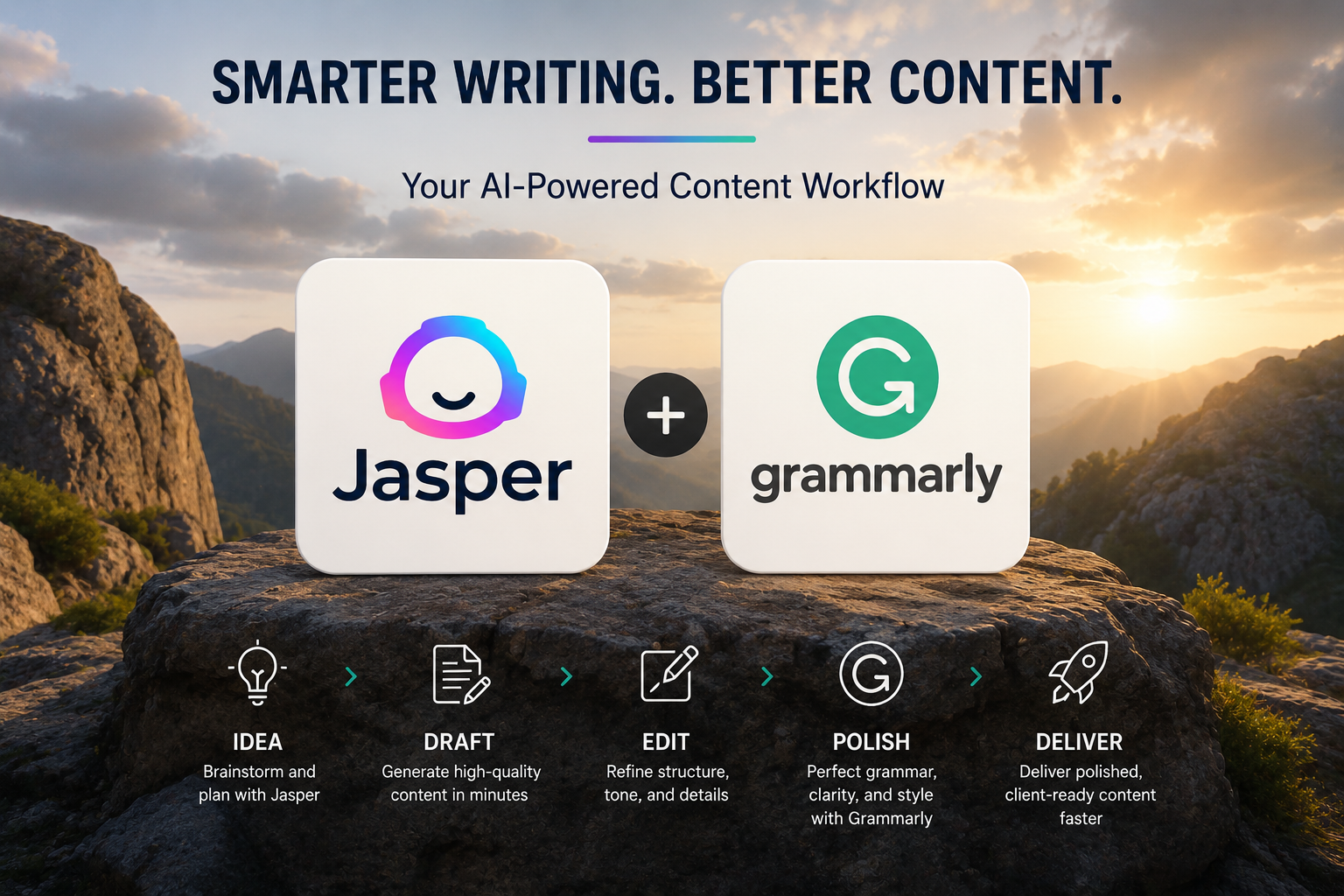
That’s why many freelancers now combine Jasper and Grammarly to build a more efficient content workflow.
Used correctly, Jasper helps generate ideas and speed up drafting, while Grammarly helps clean up clarity, grammar, and readability issues before delivery.
The goal is not replacing human writing.
The goal is reducing friction inside the content creation process.
Why Jasper AI and Grammarly Work Well Together
These tools complement each other surprisingly well because they solve different problems.
Jasper AI helps with:
- overcoming writer’s block
- creating outlines
- generating first drafts
- speeding up repetitive content writing
- structuring ideas faster
Grammarly helps with:
- grammar correction
- sentence clarity
- readability improvements
- tone consistency
- polishing final drafts
Together, they create a workflow that feels much less mentally draining especially for freelancers handling large content volumes weekly.
Step 1: Start With a Proper Content Brief
One of the biggest mistakes beginners make with AI writing tools is skipping the content brief entirely.
Then they wonder why the output feels generic.
Jasper performs much better when given:
- clear goals
- audience details
- tone instructions
- keyword targets
- brand guidelines
Example:
If you’re writing for an eco-friendly product brand, your brief might include:
- Target audience: environmentally conscious millennials
- Tone: conversational but informative
- Main topics: sustainability, biodegradable materials, practical usage
- SEO keywords: eco-friendly, sustainable, biodegradable
This context helps Jasper generate more focused drafts instead of vague filler content.
Don’t Overload Jasper With Massive Prompts
Another common mistake:
People ask Jasper to generate an entire 2,000-word article at once.
Usually the result becomes:
- repetitive
- generic
- unfocused
- difficult to edit
A better approach is generating content in sections.
For example:
- introduction first
- then feature sections
- then conclusion
- then CTA
This gives you much more control over structure and quality.
Generate Smaller Draft Sections Instead
Instead of this:
“Write a 2,000-word article about eco products.”
Try this:
“Write a 400-word introduction explaining why eco-friendly products matter today for young adults.”
Then separately:
“Explain biodegradable packaging benefits in a friendly tone.”
This workflow creates cleaner drafts and reduces editing time later.
Jasper Is a Drafting Tool Not the Final Writer
This distinction matters a lot.
Jasper’s job is helping you move faster past the blank page.
Not replacing your expertise.
Good freelancers still need to:
- add personal insight
- verify facts
- improve examples
- adjust tone
- optimize for SEO
- shape the final narrative
Without human editing, AI-generated content often feels emotionally flat and repetitive.
Step 2: Use Grammarly to Polish the Draft
Once the draft exists, Grammarly becomes the refinement layer.
AI-generated writing often contains subtle problems like:
- awkward phrasing
- passive voice overuse
- run-on sentences
- unnecessary filler
- inconsistent readability
Grammarly helps clean these issues up quickly.
For freelancers, this dramatically reduces editing fatigue.
Don’t Accept Every Grammarly Suggestion Automatically
This is important.
Sometimes Grammarly over-corrects writing and removes personality from the text.
Especially for:
- casual blog posts
- creator-focused writing
- conversational brands
- modern marketing content
Always review suggestions critically.
The goal is polished writing not robotic writing.
Build a Feedback Loop Into Your Workflow
Professional freelancers rarely deliver the perfect draft immediately.
Client feedback is part of the process.
A smart workflow includes revision systems from the start.
For example:
If a client asks for more focus on biodegradable packaging timelines, you can feed that revision directly back into Jasper with a refined prompt.
This speeds up revisions significantly.
Create a Simple Revision Checklist
Small systems reduce mistakes.
A basic checklist might include:
- client requests addressed
- SEO keywords included naturally
- tone consistency checked
- Grammarly review completed
- formatting finalized
- links verified
Freelancers who systemize these small steps usually scale more sustainably.
Formatting Still Matters More Than People Think
Even strong writing can feel unprofessional if formatting is messy.
Before delivering:
- check heading structure
- verify bullet formatting
- clean spacing issues
- confirm metadata if requested
- ensure file naming consistency
Clients absolutely notice these details.
Common AI Writing Mistakes Freelancers Make
Many beginners misuse AI writing tools in similar ways.
Expecting Perfect AI Output
AI drafts still require human editing and refinement.
Using “Accept All” in Grammarly
This often removes natural voice and makes content sound stiff.
Overloading Prompts
Too many instructions confuse Jasper and weaken output quality.
Generating Entire Articles at Once
Large outputs usually become repetitive and unfocused.
How to Scale This Workflow Across Multiple Clients
As your freelance workload grows, organization becomes essential.
Helpful systems include:
- reusable brief templates
- saved prompt frameworks
- batching similar writing tasks
- shared proofreading sessions
- project tracking spreadsheets
This reduces context switching and helps maintain quality consistently.
Practical Optimization Tips
A few simple habits improve workflow quality dramatically.
Customize Jasper prompts carefully
More context usually creates better drafts.
Use Grammarly Goals
Set tone and intent settings before proofreading.
Verify AI-generated facts manually
Jasper can confidently generate incorrect information sometimes.
Final Thoughts
Using Jasper AI and Grammarly together is not about automating creativity away.
It’s about creating a workflow that helps freelancers:
- work faster
- reduce burnout
- improve consistency
- handle larger workloads
- spend less time stuck on drafts
The strongest results happen when AI supports human writing instead of replacing it.
Used thoughtfully, these tools can dramatically improve productivity while still preserving originality, expertise, and personal voice.