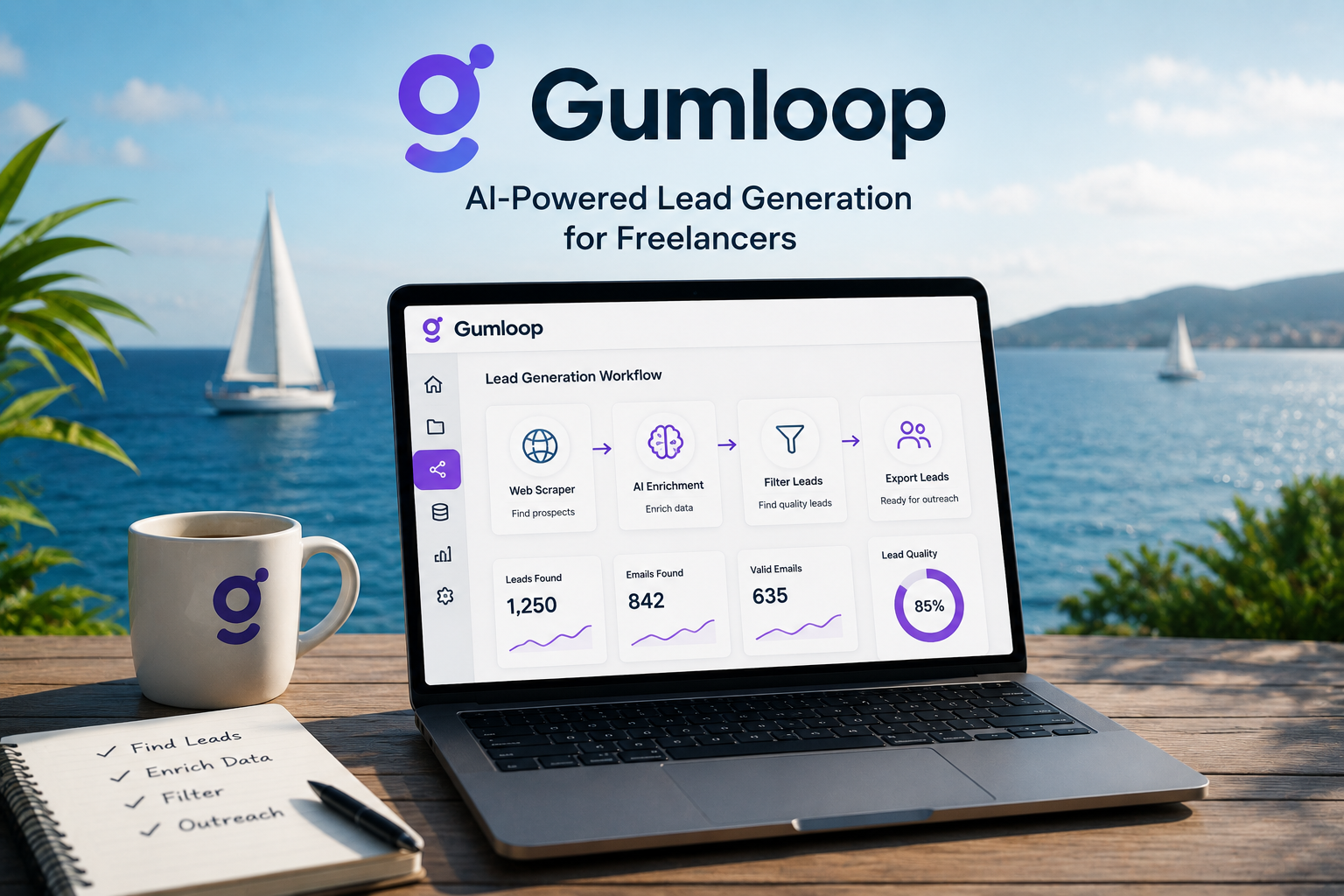
Finding new clients is one of the biggest challenges freelancers face.
Whether you're a designer, marketer, developer, consultant, or agency owner, there's a constant need to keep your pipeline full.
The problem?
Lead generation takes time.
You spend hours searching LinkedIn, browsing company websites, collecting contact details, and organizing spreadsheets before you even send your first email.
That's where Gumloop comes in.
Gumloop is an AI-powered automation platform that helps you collect, organize, and enrich lead data without writing code.
Instead of manually searching for prospects, you can build workflows that automatically find relevant contacts and prepare them for outreach.
In this guide, you'll learn how to create a simple lead generation system using Gumloop.
What Is Gumloop?
Gumloop is a no-code AI automation platform designed to automate repetitive online tasks.
Many users build workflows for:
- lead generation
- web scraping
- competitor research
- data enrichment
- business research
- AI-powered workflows
Think of it as a visual automation tool that combines web scraping and AI into a single workflow.
Instead of hiring developers or learning Python, you can build automations using drag-and-drop blocks.
Why Freelancers Should Care About Gumloop
Most freelancers don't need thousands of leads.
They need a smaller number of highly relevant prospects.
For example:
- web designers need businesses with outdated websites
- copywriters need companies publishing weak content
- consultants need growing startups
- marketers need businesses actively investing in advertising
Gumloop helps automate the process of finding those opportunities.
Instead of spending hours searching manually, you can create workflows that collect potential leads automatically.
Step 1: Define Your Ideal Client
Before building any workflow, define who you're targeting.
Ask yourself:
- What industry do they operate in?
- How large is the company?
- What job title do you want to reach?
- What problem can you solve?
Example:
A freelance designer might target:
- SaaS startups
- 5–50 employees
- Marketing managers
- Companies with outdated branding
The more specific your criteria, the better your lead quality will be.
Step 2: Create a Lead Collection Workflow
Inside Gumloop, create a new workflow.
Your goal is to collect basic prospect information.
Useful data points include:
- company name
- website
- contact name
- job title
- email address
- LinkedIn profile
Start with a narrow search.
Many beginners try scraping thousands of companies immediately.
That usually creates a messy database filled with irrelevant contacts.
Focus on quality first.
Step 3: Use AI to Enrich Lead Data
Raw lead lists are rarely useful.
A company name alone doesn't help much.
This is where Gumloop becomes powerful.
AI enrichment can help:
- identify decision-makers
- find additional contact details
- categorize businesses
- add industry information
- estimate company size
The result is a much cleaner prospect list.
Instead of random names, you end up with qualified leads.
Step 4: Filter Out Bad Leads
Not every lead deserves outreach.
Before exporting your data, create filters.
Examples include:
- valid email only
- target industry only
- company size requirements
- specific geographic regions
This step often improves campaign performance dramatically.
Many freelancers struggle with outreach because they target the wrong people.
Good filtering solves that problem.
Step 5: Organize Leads for Outreach
Now that you have qualified leads, organize them.
Create categories such as:
Hot Leads
Businesses that clearly need your services.
Warm Leads
Potential clients that may need help soon.
Future Leads
Companies worth monitoring later.
This simple structure makes follow-up much easier.
Common Mistakes Beginners Make
Most Gumloop users make similar mistakes early on.
Scraping Too Much Data
More leads doesn't mean better leads.
Focus on relevance.
Skipping Data Validation
Bad emails lead to bounce rates and poor campaign performance.
Overcomplicating Workflows
Start simple.
You can always expand later.
Ignoring Manual Review
AI is helpful, but it still makes mistakes.
Always review important leads before outreach.
How to Keep Your Lead Pipeline Fresh
Lead generation is not a one-time activity.
Your workflow should evolve over time.
Good habits include:
- updating target sources monthly
- removing duplicates regularly
- refreshing outdated contact information
- testing new lead sources
Small maintenance efforts create much better results long term.
Exporting Leads to Your CRM
Once your leads are organized, export them into:
- HubSpot
- Notion
- Airtable
- Google Sheets
- Salesforce
- Pipedrive
Create separate lists for different campaigns.
For example:
- SaaS Founders Q3
- Marketing Agencies
- E-commerce Brands
This keeps outreach organized and easier to track.
Is Gumloop Worth It?
If you're spending hours every week searching for prospects manually, Gumloop can save a significant amount of time.
The biggest advantage isn't finding more leads.
It's finding better leads faster.
By combining web scraping, AI enrichment, and workflow automation, Gumloop helps freelancers focus less on prospecting and more on client work.
And for most freelancers, that's where the real value lies.
Instead of chasing contacts all day, you can spend more time doing the work you're actually paid for.