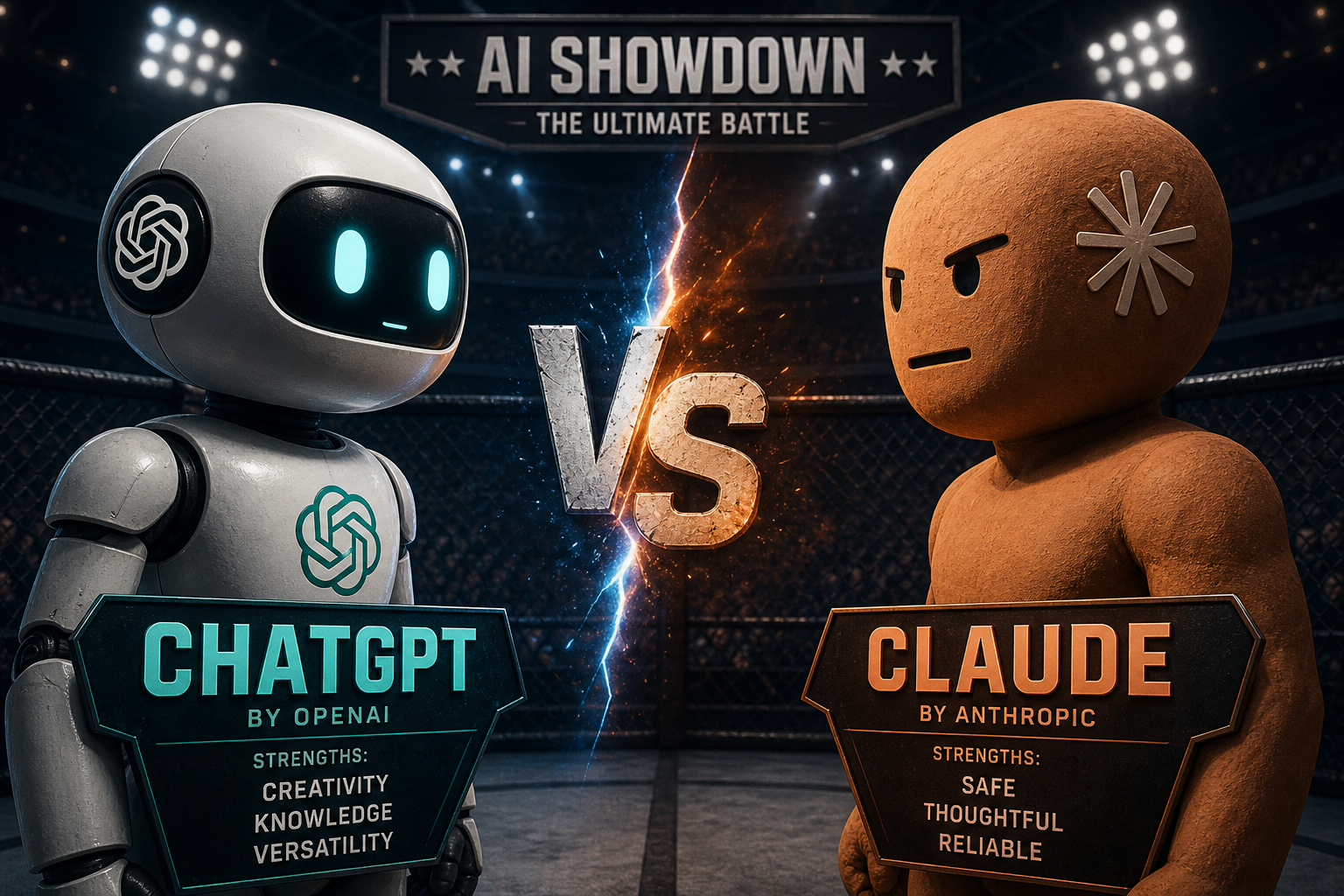
Artificial intelligence tools are becoming part of everyday work, learning, and content creation.
But if you're just getting started with AI, one question appears almost immediately:
👉 Should you use ChatGPT or Claude?
Both are among the best AI assistants available today.
Both offer free plans.
Both can help with writing, research, brainstorming, coding, summaries, and productivity.
But they are not identical.
The differences between ChatGPT and Claude actually matter — especially for beginners trying to choose the right AI tool for their workflow.
This guide breaks down:
- the biggest differences between ChatGPT and Claude
- strengths and weaknesses of each platform
- which AI assistant is better for writing, coding, analysis, and creativity
- which tool beginners should start with in 2026
If you’re overwhelmed by AI tools, this comparison will make the decision much easier.
Quick Summary
If you want the short version:
Choose ChatGPT if you want:
- the most versatile AI assistant
- image generation
- coding help
- brainstorming
- the biggest ecosystem and tutorials
Choose Claude if you want:
- thoughtful and nuanced responses
- long document analysis
- better editing assistance
- more careful reasoning
For most beginners:
👉 Start with ChatGPT first.
Then test Claude later for deeper analysis and writing refinement.
What Is ChatGPT?
ChatGPT is the world’s most popular AI chatbot developed by OpenAI.
It became massively popular because it can:
- answer questions
- write content
- explain concepts
- help with coding
- brainstorm ideas
- summarize information
- generate images
- assist with productivity
For many people, ChatGPT becomes their first real experience using AI.
Its biggest advantage is versatility.
It can handle a huge variety of tasks reasonably well.
What Is Claude?
Claude is an AI assistant developed by Anthropic.
Claude focuses heavily on:
- safety
- thoughtful responses
- nuanced reasoning
- long-context understanding
Many users describe Claude as:
- calmer
- more analytical
- more careful with wording
- better at understanding long documents
While ChatGPT often feels faster and more energetic, Claude often feels more reflective and structured.
ChatGPT Strengths
1. More Versatile Overall
One reason beginners prefer ChatGPT is that it works well for almost everything.
You can use it for:
- writing
- coding
- brainstorming
- planning
- studying
- marketing
- productivity
- creative work
This makes it an excellent “all-in-one” starting point.
2. Better for Creative Tasks
ChatGPT is especially strong at:
- creative writing
- storytelling
- social media ideas
- brainstorming
- marketing concepts
Its responses often feel more energetic and idea-driven.
This makes it very popular among:
- creators
- marketers
- entrepreneurs
- students
3. Image Generation
One major advantage of ChatGPT is integrated image generation.
Users can create:
- illustrations
- thumbnails
- concepts
- mockups
- marketing visuals
directly inside the platform.
Claude currently does not offer native image generation.
For many beginners, this alone is a major deciding factor.
4. Massive Ecosystem and Community
Because ChatGPT is so popular:
- tutorials are everywhere
- YouTube guides are abundant
- communities are huge
- integrations are extensive
This makes learning much easier for beginners.
If you search:
“how to use AI for productivity”
Most tutorials will already use ChatGPT examples.
ChatGPT Weaknesses
1. Hallucinations
Like all AI systems, ChatGPT can sometimes:
- invent facts
- give incorrect information confidently
- provide inaccurate citations
This is often called hallucination.
Beginners should always verify important information.
2. Responses Can Become Too Long
ChatGPT sometimes over-explains topics or produces unnecessarily large responses.
This can slow down workflows if you prefer concise answers.
3. Free Tier Limitations
While the free version is still excellent, some advanced features are limited compared to paid plans.
Heavy users may eventually hit usage restrictions.
Claude Strengths
1. Better Long-Form Analysis
Claude is famous for handling extremely long documents effectively.
It performs especially well with:
- reports
- contracts
- books
- PDFs
- research documents
This makes it highly valuable for professionals and analytical work.
2. More Thoughtful Responses
Claude often feels:
- calmer
- more structured
- more nuanced
It tends to acknowledge uncertainty more honestly instead of sounding overly confident.
Many users trust Claude more for:
- complex reasoning
- difficult discussions
- careful writing refinement
3. Excellent Writing Improvement
Claude is particularly strong at:
- editing
- rewriting
- improving clarity
- polishing tone
Writers often use Claude after generating rough drafts elsewhere.
For example:
- first draft in ChatGPT
- refinement in Claude
This workflow has become surprisingly common.
4. Better Instruction Following
Claude is often better at carefully following complex prompts and formatting instructions.
This matters for:
- structured writing
- technical prompts
- detailed workflows
Claude Weaknesses
1. No Native Image Generation
Unlike ChatGPT, Claude currently focuses mainly on text-based workflows.
If you want:
- AI art
- visuals
- design generation
ChatGPT has a major advantage.
2. Smaller Ecosystem
Claude has fewer:
- integrations
- plugins
- tutorials
- third-party tools
compared to ChatGPT.
For beginners, this means fewer learning resources online.
3. Sometimes Too Verbose
Claude can occasionally become extremely detailed and analytical.
Some users love this.
Others find it slower and less practical for quick tasks.
ChatGPT vs Claude for Different Use Cases
Best for Writing
For raw idea generation:
👉 ChatGPT
For editing and polishing:
👉 Claude
Best for Coding
For beginners learning coding:
👉 ChatGPT
Its coding ecosystem and tutorial community are significantly larger.
Best for Research
For nuanced analysis:
👉 Claude
For fast summaries and versatility:
👉 ChatGPT
Best for Creativity
👉 ChatGPT
Its brainstorming abilities and creative energy are generally stronger.
Best for Long Documents
👉 Claude
This is one of Claude’s strongest areas.
Which AI Assistant Should Beginners Start With?
For most beginners:
👉 Start with ChatGPT
Why?
Because it:
- does almost everything
- has more tutorials
- has a larger ecosystem
- supports image generation
- feels easier to explore casually
It is currently the most beginner-friendly general AI assistant available.
The Best Workflow: Use Both
Many experienced users eventually use both tools together.
A common workflow looks like this:
Use ChatGPT for:
- brainstorming
- coding
- quick answers
- idea generation
- image creation
Use Claude for:
- refining writing
- analyzing documents
- second opinions
- nuanced reasoning
This combination often produces better results than relying on only one AI assistant.
Final Verdict
Both ChatGPT and Claude are excellent AI assistants.
There is no universal “winner.”
The better choice depends on:
- your workflow
- your goals
- your preferred style of interaction
But for beginners in 2026:
👉 ChatGPT is still the easiest and most versatile starting point.
Then, once you become comfortable with AI tools, Claude becomes an excellent second assistant for deeper analysis and writing refinement.
The important thing is not choosing the “perfect” AI tool.
The important thing is starting to use AI consistently in real daily tasks.