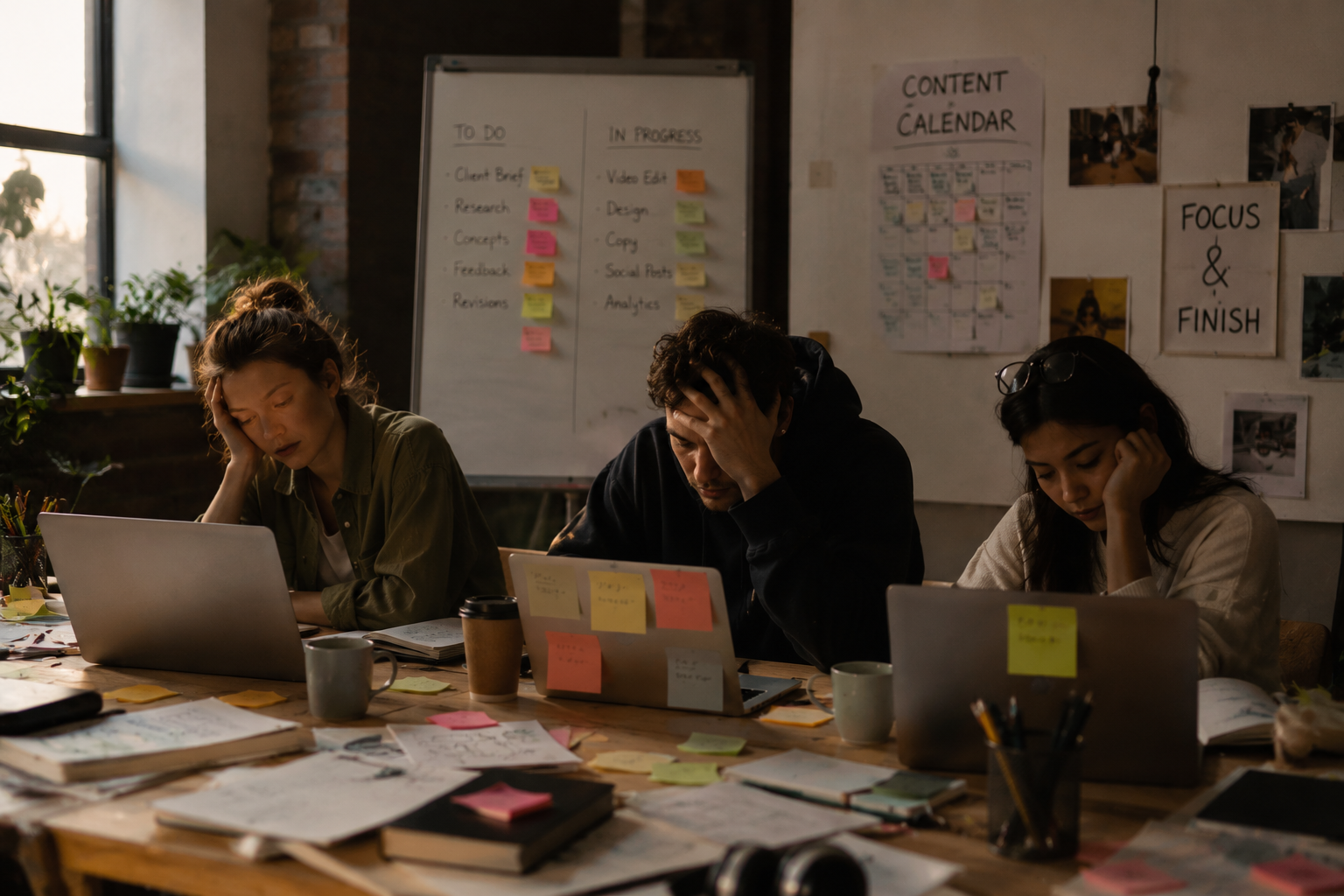
AI tools have infiltrated every corner of creative work from writing to design, video editing to social media scheduling. Their promises are seductive: faster output, less grunt work, more time to focus on the “big ideas.” But if the past few years have taught us anything, it’s that AI tools don’t always deliver the smooth ride they advertise. Instead, many creator teams find themselves swimming deeper into an ocean of options, settings, and constant fine-tuning. The result? Workflow fatigue.
The Delicate Balance: AI Tools as Help and Hindrance
There’s a clear paradox at the heart of creative AI adoption. On one hand, AI-driven assistants can handle tedious tasks like transcription, image tagging, or first-pass drafts, freeing creators to do more meaningful work. On the other hand, learning to wield these tools effectively often demands significant time and mental bandwidth.
Teams quickly discover that AI is not magic, but complicated software that requires setup, tuning, and a steady diet of maintenance. For instance, a marketing team integrating multiple AI content generators and analytics platforms found themselves spending more time managing APIs, validating outputs, and transferring data than writing copy. “Initially, it felt like we’d cracked the code for scale. A few months in, it was clear the tools had created a second job one no one really signed up for,” one marketing lead admitted.
This tension isn’t just about user experience. It filters into daily routines and personal motivation. When tools require constant babysitting, the promised productivity gains fade. People start second-guessing AI outputs or redoing “AI-generated” pieces to fix subtle glitches, ironically increasing rather than decreasing labor.
Why More Automation Sometimes Means More Friction
There’s an old joke in tech circles: “Automate everything, including the automation.” As creator teams pile on AI tools, unintended complexity creeps in. Each new automation adds a layer of dependencies, configurations, and failure points.
Consider a boutique video production studio juggling AI-based scene recognition, script generation, and automated editing suggestions. While each tool alone promised to cut hours off production time, combined they introduced sync issues and inconsistent outputs that demanded manual oversight. “Our workflow didn’t get simplified; it got chunkier. We sometimes spent more hours correcting what AI misunderstood than if we’d done it by hand,” their editor shared.
The general lesson: automation without orchestration is often a mirage. More AI features doesn’t automatically translate to more efficiency. It can fracture the creative process with context switching, troubleshooting, and extensive validation work. One startup’s CTO observed, “We thought AI would plug right in. Instead, we needed a whole team dedicated just to AI maintenance.”
Real Stories: Creator Teams Reporting Burnout from AI Overload
Burnout has a nuanced new source in 2026: AI fatigue. Freelancers recount how juggling half a dozen AI tools each with its own quirks creates constant cognitive load. One copywriter noted, “Between constant prompt engineering, chasing bugs on three apps, and recalibrating output tone, I was exhausted before even starting real writing.”
Teams report that client expectations shift rapidly once AI is involved. Clients assume faster turnaround because of AI, yet lack patience for AI-generated rough drafts that need hours of polishing. This tension drives stress among creators trying to hit deadlines with “AI speed” but human-level polish.
When AI tools are layered onto existing workloads without reconsidering processes, the result is friction-heavy chaos, not streamlined creativity. Problems compound as teams burn out from tool fatigue rather than true creative demands.
Workflows That Prioritize Focus Over Features
The solution isn’t to shun AI but to rethink how it fits into the process. Some teams are learning that less is more. Instead of stacking a dozen AI plugins, they focus on a handful that really solve their core pain points without overwhelming users.
For example, a graphic design collective adopted a single AI color palette assistant rather than multiple “enhancement” tools. The result was smoother collaboration and fewer integration headaches. Their workflow prioritized clear human decisions supported by AI suggestions, not overwhelmed by them.
Other teams embed AI into initial stages only such as research or rough drafting and then switch to fully human hands for refinement. This preserves creative control and prevents burnout from chasing AI’s quirks in final stages when nuance matters most.
When to Pull Back: Recognizing Signs of AI Fatigue
It’s crucial for creators and managers to spot AI fatigue before it becomes toxic. Common signs include:
- Diminished enthusiasm for using AI tools that once excited the team
- Extra time spent troubleshooting output errors or inconsistencies
- Frequent context switches between multiple AI platforms causing distraction
- Growing gap between promised and actual time savings
- Subtle drops in final output quality due to over-reliance on quick AI fixes
Pulling back might mean simplifying the toolset, consolidating AI usage to fewer platforms, or pausing new AI feature rollouts to reassess impacts. Recognizing that adding more automation isn’t always the answer is a vital skill, not a defeat.
Building a Sustainable AI Toolkit for Creative Work
A sustainable AI toolkit works more like a measured partnership than a blind bet. Ideally, it:
- Solves real, recurring pain points without excess features
- Requires minimal customization or constant babysitting
- Offers predictable, consistent output to reduce guesswork
- Fits organically into existing human workflows, respecting natural rhythms
- Comes with robust troubleshooting and customer support
Creators should avoid tool overload by resisting the urge to chase every shiny AI solution. Instead, investing time upfront to evaluate tools in real-world scenarios helps. Ask: does this save more time than it consumes? Does it lessen cognitive overhead or add to it?
The Role of Human Judgment in an AI-Heavy Process
No matter how capable AI becomes, human judgment remains essential. AI lacks context, tone subtilities, cultural nuances, and that intuitive sense born of experience. Its outputs always require scrutiny, editing, and often rethinking.
Successful teams view AI as a collaborator, not a replacement. They reserve critical decisions for humans while letting AI do repetitive lifts. This partnership recognizes AI’s limitations and plays to human strengths: creativity, empathy, critical thinking.
Relying solely on AI erodes quality. For example, automated content from some generative models may superficially check boxes but miss brand voice or emotional resonance. Human oversight ensures the difference between “good enough” and exceptional.
Future Behavior: Will AI Fatigue Shape Tool Development?
The rise of AI fatigue might prompt a new wave of tool thinking. Developers could prioritize:
- Streamlined interfaces over feature bloat
- Modular, interoperable tools rather than all-in-one suites
- Smarter defaults that reduce customization overhead
- Transparency about AI limitations and error rates
User experience design in AI products could shift to reduce cognitive friction, much like the minimalist trend in user interfaces over the last decade. Additionally, AI vendors may compete on reliability and steady output quality rather than flashy capabilities.
For creators and teams, understanding and anticipating these shifts will be crucial in navigating what comes next.
AI tools carry undeniable potential to aid creative work, but their overuse risks a counterintuitive effect: draining energy, complicating workflows, and burning out the very people meant to benefit. The smartest path forward isn’t relentlessly adopting every new AI feature but tempering enthusiasm with discipline. Building thoughtfully around human judgment, simplicity, and real needs grounds AI in reality and may be the best antidote to workflow fatigue in 2026 and beyond.